
Back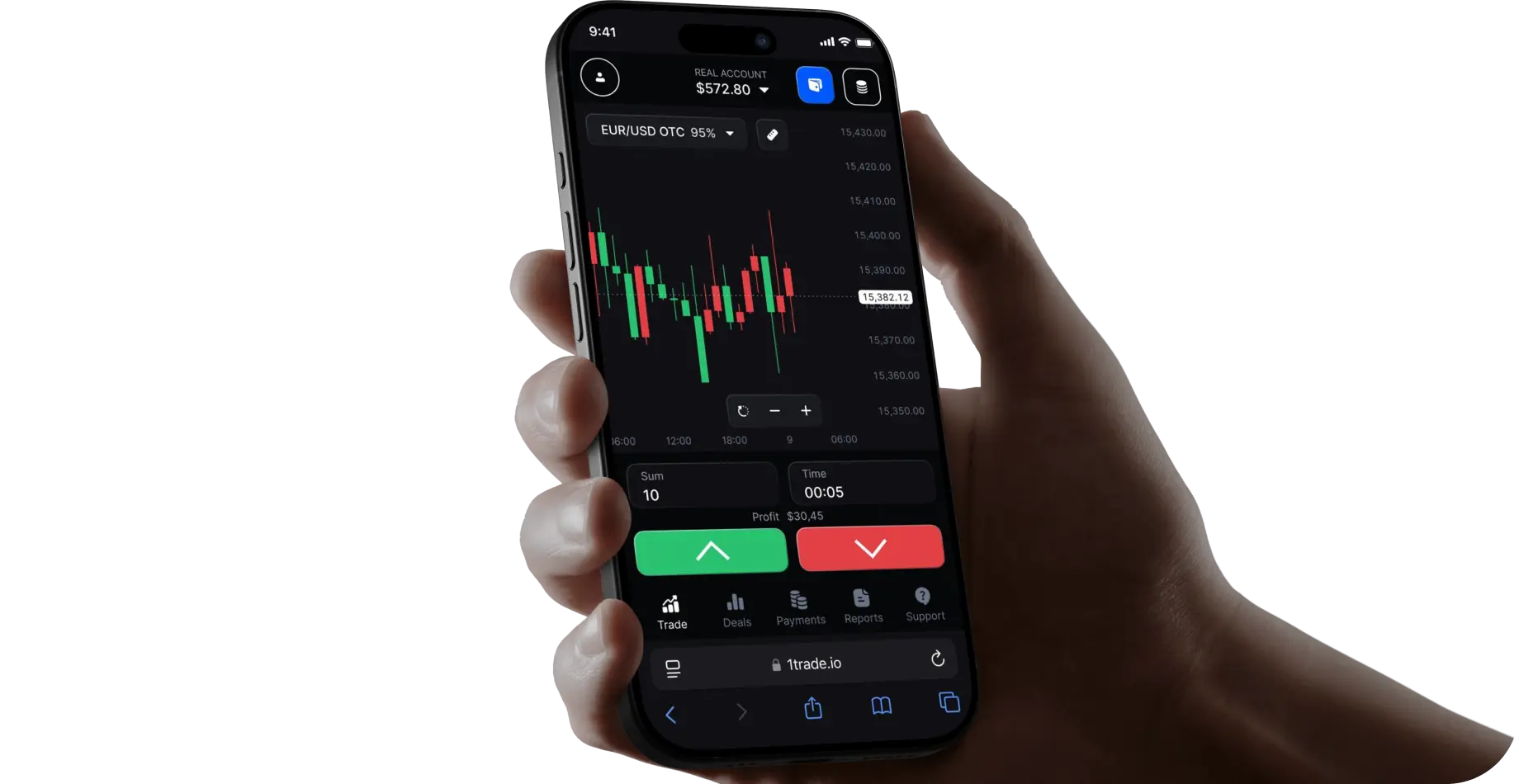
Install the app 1TRADE in seconds
Launch 1TRADE without a browser, right from your home screen
How to install the application for iOS?
01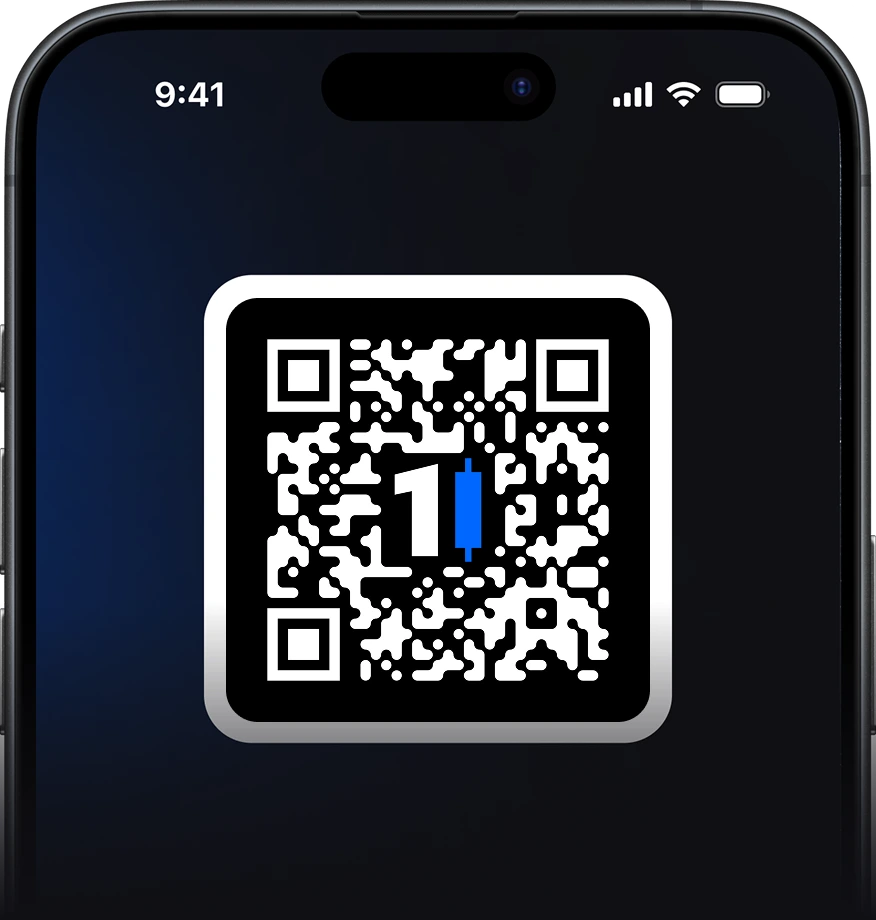
Open the site in Safari
Go to our website using the Safari browser
02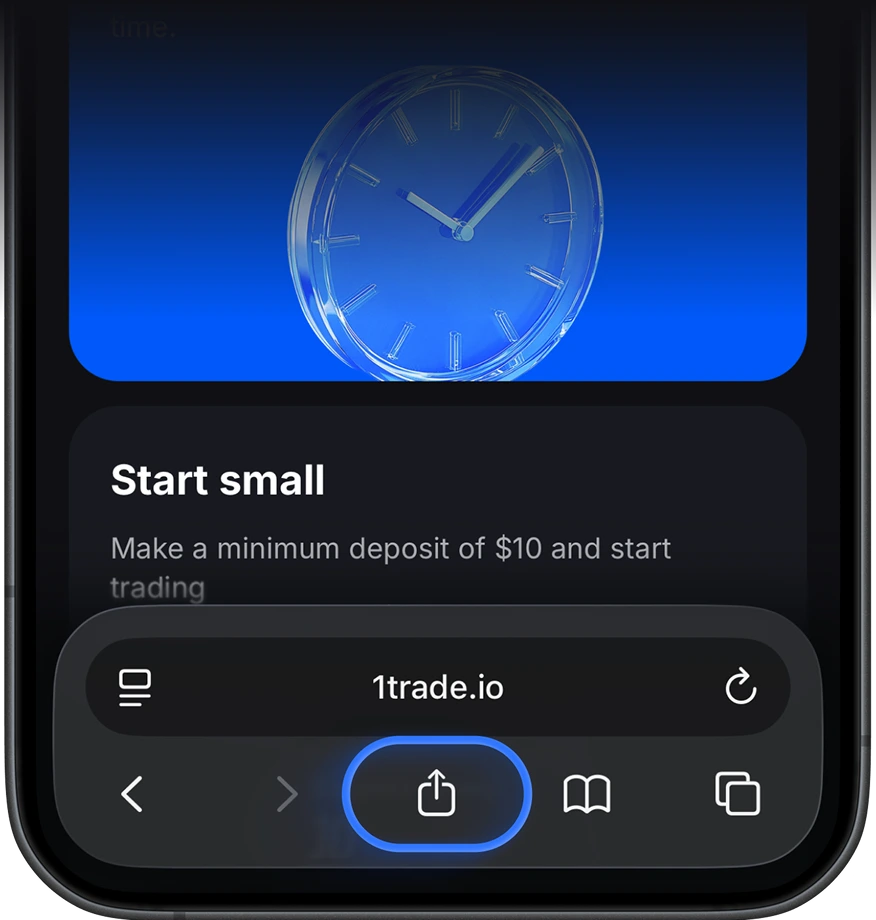
Tap the "Share" button
At the bottom of the screen, find the icon with a square and an upward arrow — this is the "Share" button
03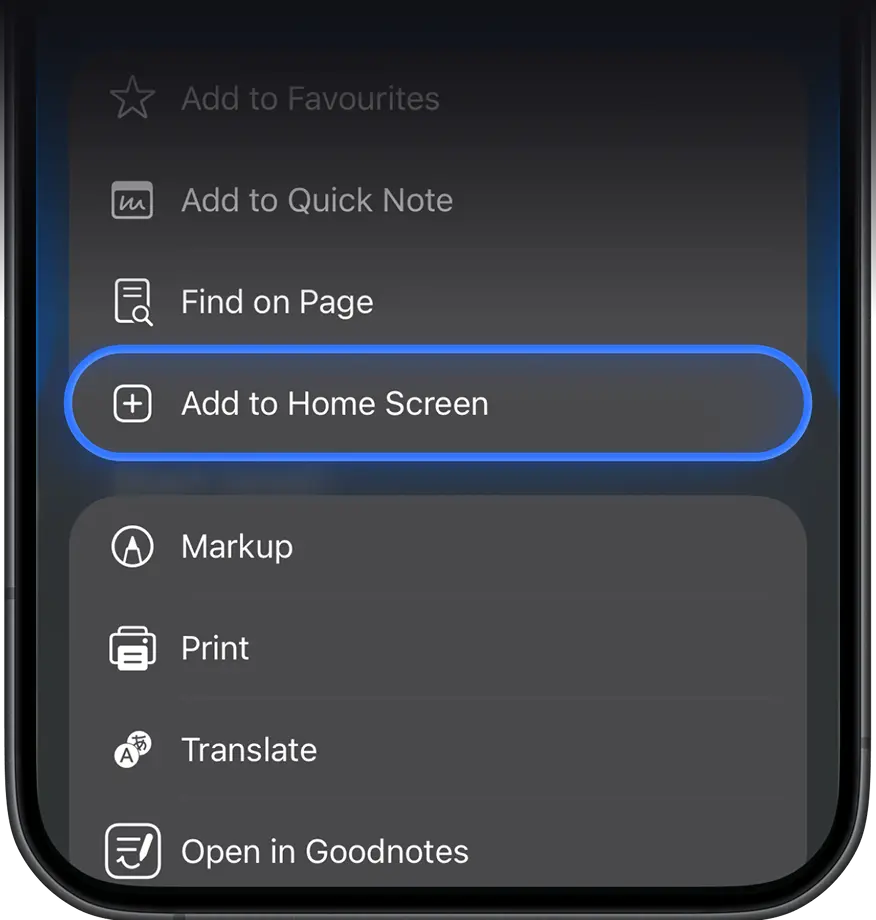
Select "Add to Home Screen"
Scroll down the list until you see the option "Add to Home Screen"
04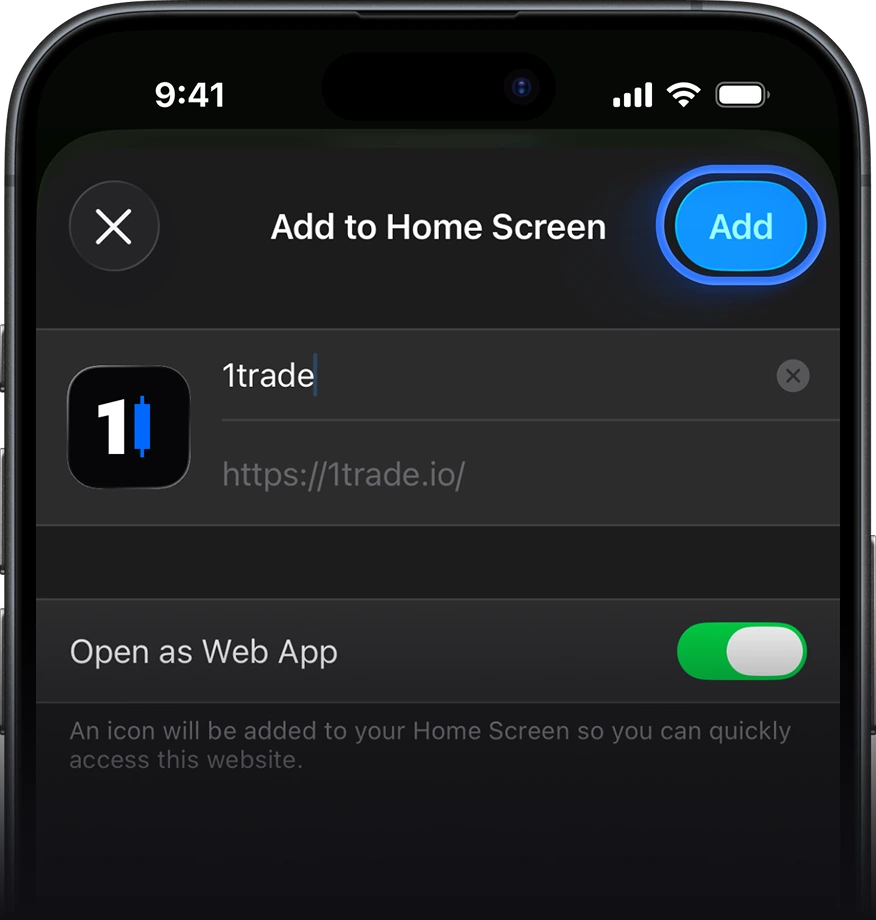
Confirm installation
A popup will appear with the app icon and name. Tap "Add" in the top right corner
05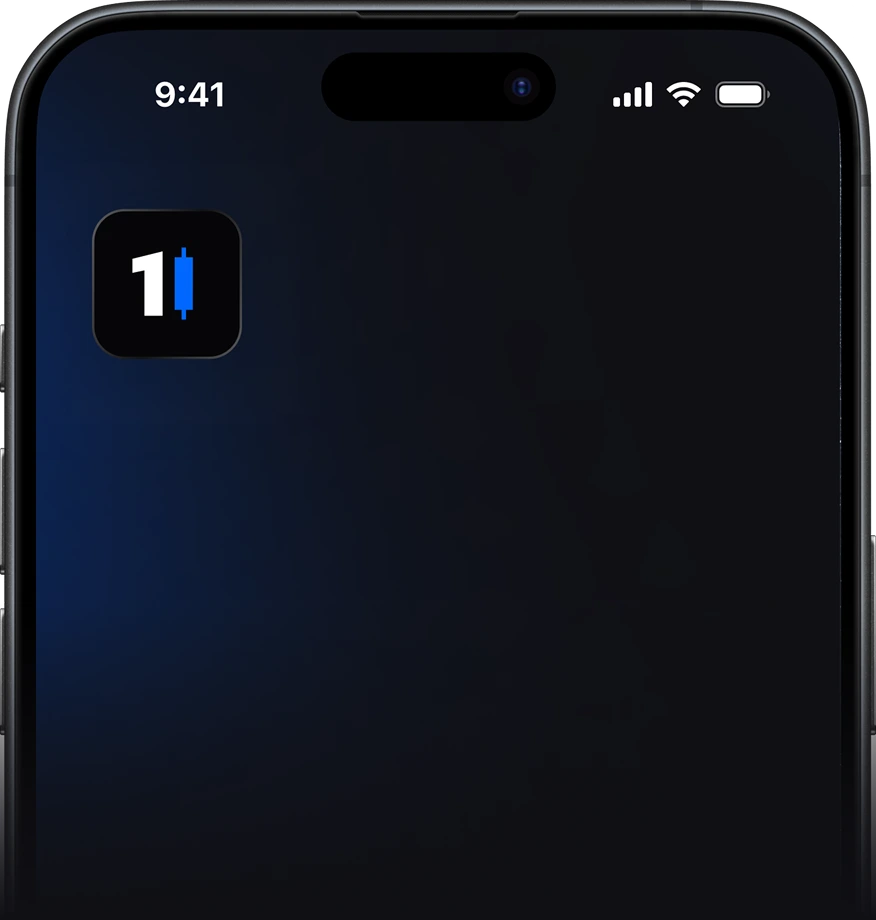
Find the app on your home screen
After adding, the app icon will appear on your iPhone’s home screen. You can now launch it like a regular app